

Image · 7 min read
A beautiful image can still miss the brief
Published
A practical acceptance framework for AI brand imagery: separate aesthetic preference, brief fidelity, and unintended changes during editing.
About this analysis
- Approach
- Desk research & analysis
- Evidence reviewed
- 2026-11-27
- Sources
- 4 linked references
Research question: How should a team accept AI-generated brand imagery against a brief without confusing visual polish with factual accuracy or edit control?
No original experiment or client outcome is claimed.
Published
An image can look expensive, attract attention, and still fail the assignment. A campaign visual with the wrong product shape is not rescued by beautiful lighting. An edit that fixes the background but changes an approved label has created another problem, even if the revised image wins a preference vote.
For AI-assisted brand production, acceptance should answer three different questions: does the image satisfy the brief, is its visual direction appropriate, and did the latest revision preserve what was already approved? This article proposes a review method built around those distinctions. It is desk research and original analysis, not a report of Cenate experiments or a ranking of image models.
What the research helps us distinguish
GenEval evaluates specific compositional properties, including object presence, counts, positions, and colors. Its useful contribution here is a way to ask narrower questions than whether an image generally matches a description. The authors also identify limits in the detectors used to evaluate images, including object-category coverage and performance on different visual styles. A benchmark score therefore needs interpretation, not automatic acceptance. GenEval paper
T2I-CompBench++ separates attribute binding, object relationships, numeracy, and complex composition. Those categories offer another vocabulary for locating a failure: the right color can appear on the wrong object, or all requested objects can be present in the wrong arrangement. They do not constitute a complete brand-review system. T2I-CompBench++ paper, March 2025 revision
A production-oriented reference from Contra Labs considers whether a requested change succeeds while other image properties remain stable. Its Gemini study explicitly describes a small, workflow-specific sample and participant judgments rather than a universal, blinded benchmark. We use the distinction between change and preservation as context, not its results as a prediction for another tool or campaign. Contra Labs edit-controllability study
Our synthesis is to make acceptance a sequence of decisions rather than one overall score. Check mandatory requirements first. Compare visual preference among eligible candidates. After revisions, check both the requested change and the preserved content again.
Translate the brief into visible requirements
Start with the approved brief, not the generated image. Otherwise, a compelling output can quietly redefine what the team was trying to make. Separate requirements into fixed facts, flexible direction, and delivery conditions before generating or reviewing candidates.
Fixed facts might include the number of products, their proportions, an approved logo, the exact offer, and the absence of an obsolete package. Flexible direction might concern warmth, energy, restraint, or the degree of texture. Delivery conditions include aspect ratio, required crops, room for a headline, and the intended viewing size.
These distinctions are decisions for the project team. A particular color may be a flexible lighting choice in one brief and a mandatory product attribute in another. Record which it is. If two requirements conflict, resolve the conflict in the brief rather than asking reviewers to improvise competing interpretations.
For each fixed requirement, specify the evidence a reviewer should inspect. “Use the approved package” becomes a comparison against the supplied reference, including silhouette, label placement, cap, and identifying details. “Leave space for text” becomes a defined placement area tested with the actual headline. This makes feedback reproducible without pretending every visual judgment is numerical.
Use hard gates before preference scores
Consider a hypothetical brief for a refill product: one bottle and one refill pouch, the pouch behind the bottle, approved labels, and open space on the right for copy. This is an invented example, not a Cenate test result.
One candidate could be beautifully lit but show two bottles. Another could contain the correct objects while swapping their label colors. A third might satisfy the facts but feel too dramatic for the brand. Those are different failures with different remedies. Calling all three “not quite right” hides the work still required.
Mark mandatory requirements as pass, fail, or unresolved. An unresolved product detail should not become a pass because it is hard to inspect. Request a clearer export or route it to someone who can verify the reference. A high aesthetic rating should not average away a failed mandatory condition.
Once candidates clear those gates, compare direction against the audience and placement. Ask which image communicates the intended character more effectively and why. Reasons such as calmer lighting, clearer emphasis, or less distracting texture are more actionable than an unexplained preference. Keep that judgment separate from whether the bottle count is correct.
Review relationships, not only ingredients
A checklist of objects can miss the meaning of a scene. A person may be present, a product may be present, and the intended interaction may still be wrong. Review what touches, overlaps, points toward, supports, or obscures what.
For the hypothetical refill image, check which object is in front, whether the pouch remains recognizable, and whether the copy area survives the intended crop. Inspect contact points and shadows where the product meets its setting. These checks ask whether the scene supports the brief, not merely whether it contains plausible pieces.
The same approach applies to attributes. Verify the approved color on the correct component, not somewhere in the image. Check that a material treatment has not changed the apparent product construction. If the requirement cannot be judged reliably from the output, preserve that uncertainty in the review record.
Treat an edit as a change request
Before making a revision, save the approved baseline and describe the authorized change. List the properties that must stay fixed. A request to soften a background should not silently authorize a new label, a shifted camera angle, or a different product silhouette.
A mask can help communicate an edit area, but it should not be treated as proof that everything outside that area is preserved. OpenAI’s image documentation states that GPT Image masking guides the model and may not follow the exact boundary precisely. The same guide notes limitations involving text, recurring brand elements, and precise composition. These are product-specific cautions, not a comparison of all editing systems. OpenAI image-generation documentation
Inspect two outcomes after the edit: whether the requested change landed, and whether protected elements remained acceptable. Use aligned before-and-after views at the same scale. Look closely at approved labels, object edges, geometry, and crop boundaries, then review the complete composition. A local improvement can still disturb the overall hierarchy.
Do not require pixel identity where the brief permits a natural change in lighting or texture. Conversely, do not accept semantic similarity where an exact logo or package detail is required. Choose the preservation standard before inspecting the revision. For exact elements, retaining approved source artwork in a controlled layout may be a better production choice than repeatedly regenerating it.
Keep automated checks in a supporting role
Automation can help flag missing text, unexpected dimensions, or visible changes between versions. It cannot settle every acceptance question. A difference map can identify changed pixels without explaining whether the change is intentional. A text-recognition result may miss distorted lettering or overlook an unwanted visual treatment.
Use automated findings to direct inspection, not to erase accountability. Record the check, what it can detect, and what still requires human review. If an automated evaluator and the reviewer disagree, inspect the specific requirement and evidence rather than choosing whichever result is more convenient.
This also protects against false precision. A combined score with several decimal places can conceal an ambiguous brief or a poorly calibrated evaluator. For release decisions, an explicit unresolved issue is more useful than a confident number whose meaning the team cannot explain.
Check the asset where it will appear
An image approved at full size may fail in a narrow mobile crop. Review the actual placement with its headline, button, background, and neighboring content. Confirm that the subject remains identifiable, the approved hierarchy survives, and important details are not hidden by interface elements.
The final export is the object being accepted. Confirm dimensions, file type, crop, and transparency where required. Keep exact campaign wording in a form the team can inspect and update. Match the approved output to its source references and revision record so a later change does not start from an untracked variation.
A compact acceptance checklist
- Is the brief version clear, with fixed requirements separated from flexible direction?
- Are the correct objects, counts, attributes, and relationships visible?
- Do product identity, labels, logos, and required wording match approved references?
- Has visual preference been judged separately from mandatory compliance?
- Did the revision make the requested change without unacceptable changes elsewhere?
- Does the final asset work in its actual placements and crops?
- Are unresolved issues, the decision owner, and the approved file recorded?
The method does not guarantee a successful generation. It gives the team a defensible way to accept, revise, or reject an output without confusing polish with correctness. Cenate’s brand systems work can help define the references and production rules that make those decisions clearer. The acceptance standard should belong to the brief and its intended use, not to whichever image looks strongest in isolation.
Define what must survive an edit
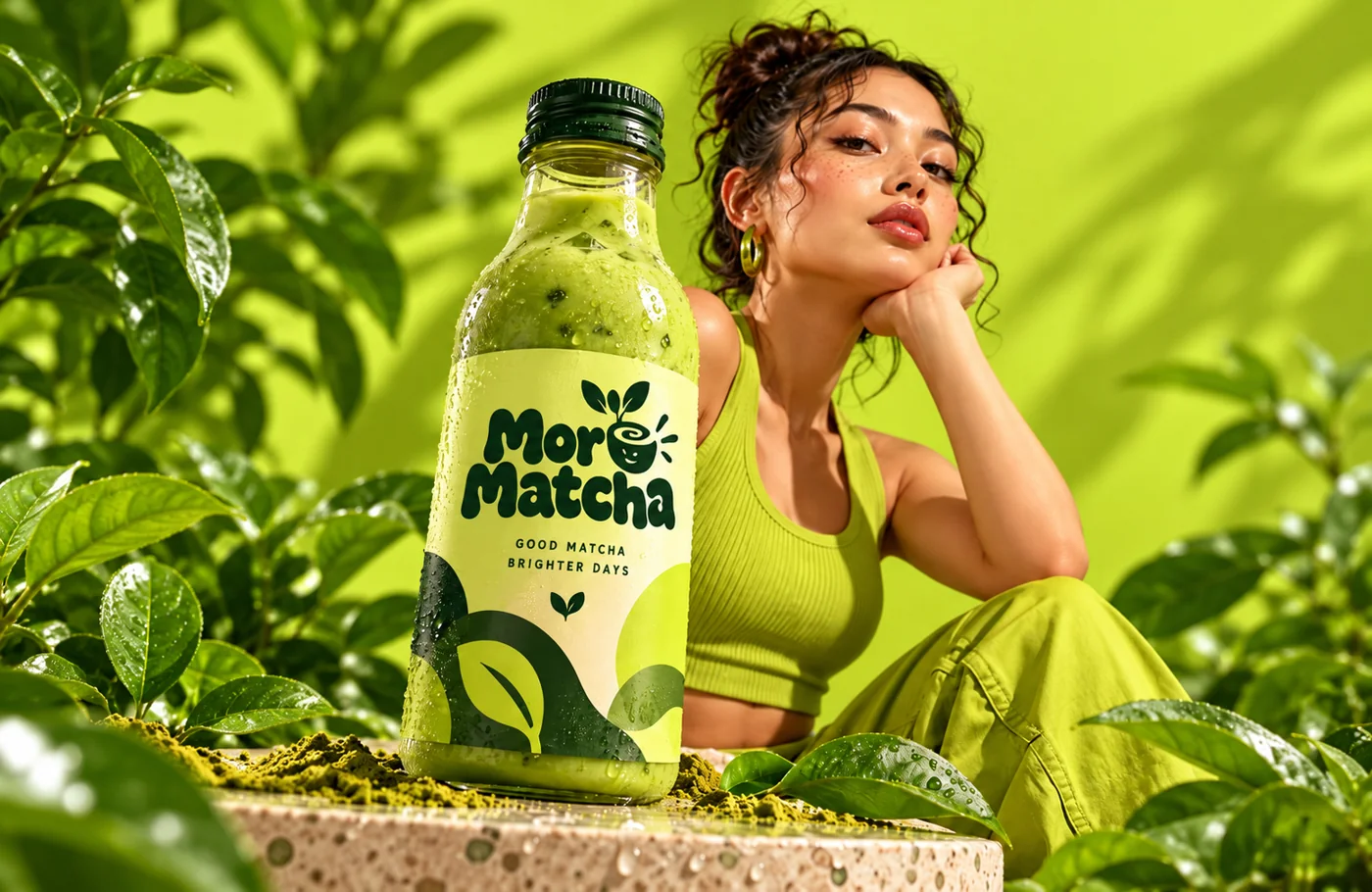
- Product shape
Compare cap and silhouette with the approved reference.
- Brand details
Check exact label artwork, wording and placement.
- Placement
Verify the intended crop and space for campaign content.
Review facts before preference
| Decision | Review question |
|---|---|
| Mandatory requirements | Are objects, labels and relationships correct? |
| Visual direction | Does the eligible candidate suit the audience? |
| Revision control | Did the requested change preserve approved elements? |
What this study does not establish
- Compositional benchmarks do not cover every brand requirement or visual style.
- An edit mask is guidance, not proof that untouched areas remain identical.
- No image generation experiment or current-model ranking is reported.
Evidence & further reading
- GenEval: An Object-Focused Framework for Evaluating Text-to-Image Alignment
Primary research, October 2023. Reviewed task definitions and evaluator limitations; no benchmark results transferred to Cenate.
- T2I-CompBench++: An Enhanced and Comprehensive Benchmark for Compositional Text-to-image Generation
Primary research, March 2025 revision. Used compositional task categories, not model rankings.
- Gemini reliably edits, but can it keep the rest of the image still?
Contra Labs, June 1, 2026. Workflow reference with explicitly limited sample and participant judgments; no numerical findings reused.
- Image generation — OpenAI API
Official documentation reviewed November 27, 2026. Mask guidance and image-consistency limitations are product-specific.